
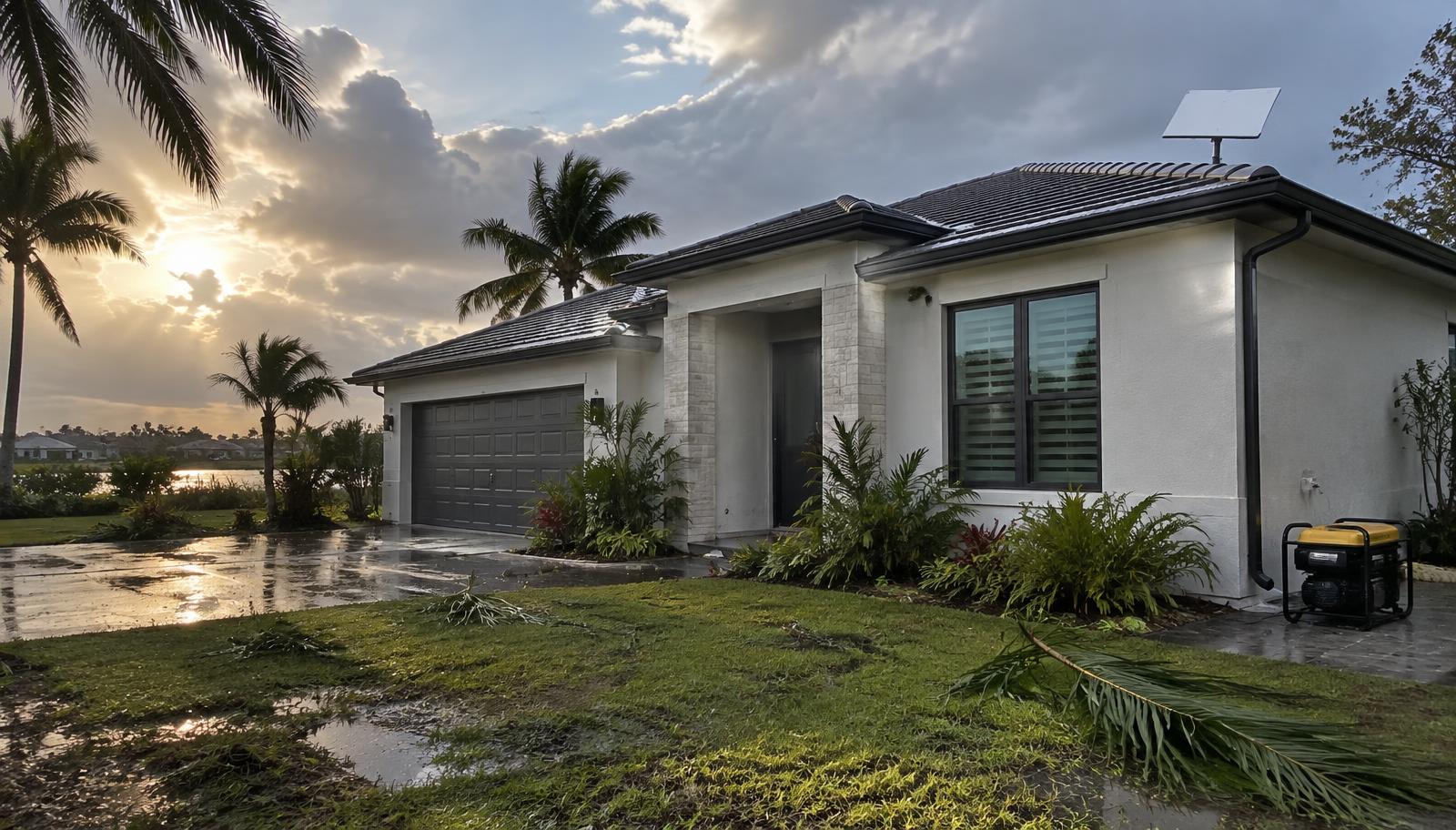
Starlink hurricane backup internet Florida: who this is for
- Florida and Gulf Coast households whose cable or fiber goes down after storms
- Remote workers who can't lose a week of connectivity
- Families with a generator, solar, or battery setup already in place
- Rural homes with no second wired provider
- Anyone who wants internet set up and tested before a named storm forms
Starlink for hurricane season: what happens in the first 10 minutes
- Check your address on starlink.com for plans and any local hardware deal.
- Order on a calm day. Starlink lists a 30-day trial with a full refund.
- Set up the dish where it has a clear view of the sky. The Starlink app shows obstructions.
- Run it on your main plan for a while, then decide whether to keep it as primary internet or switch to Standby between storms.
Starlink after Hurricane Helene and Milton
In October 2024, SpaceX first offered 30 days of free Starlink service in areas hit by Hurricane Helene, then made service free through the end of 2024 for new and existing Residential customers in areas affected by Hurricanes Helene and Milton, including Florida. A Starlink kit was still required. That was disaster relief, not a standing offer. Source: Space.com, Oct. 15, 2024
What I actually did
After the 2024 hurricanes, my area lost power and Spectrum was down. SpaceX offered free Starlink service to affected communities, and that's how I started. Once cable came back, I kept Starlink on Standby Mode (it was $5 when I started; it's now $10 a month) so I could switch it back on after the next outage. When I moved, I made the Residential 100 Mbps plan ($55 on starlink.com) my main internet.
Before a storm (important)
Starlink's mount guides say standard mounts aren't designed for hurricane wind loads. Secure or take down the dish before high winds and put it back up after the storm passes. Starlink also needs power: plan on a generator, solar, or battery backup. Starlink is a backup, not an emergency-services guarantee. Keep a weather radio, and keep a phone for 911.
Starlink internet during a power outage
Starlink only works in an outage if you power the dish and router yourself. Running Starlink on a generator, solar, or a battery backup keeps it online when the grid is down. Check Starlink's published power specifications for your kit when sizing one.
Best backup internet for hurricanes?
There isn't one answer for every home. Cable and fiber depend on local lines, and cell service depends on nearby towers, and either can go down after a storm. Starlink depends on your own power and a clear view of the sky. Keeping a phone hotspot and Starlink means one can cover for the other.
Live in Florida and ready to order? See my Starlink referral code Florida guide, or how the Starlink referral code free month works.
Starlink hurricane backup internet FAQ
Does Starlink work when the power is out?
Only if you power the dish and router, for example with a generator, solar, or battery.
Can I run Starlink on a generator?
Yes, if the generator can power the dish and router. Check Starlink's published power specifications for your kit when sizing a generator or battery.
What does Standby cost, and is it worth it for hurricanes?
It's $10 a month as of June 2026. Confirm in your Starlink account. Starlink Standby Mode for hurricanes is how I used it: keep the account on Standby between storms, then switch back to a full plan after an outage.
Is the Starlink dish hurricane-proof?
No. Starlink's mount guides say standard mounts aren't designed for hurricane wind loads, so take the dish down before the storm and put it back up after it passes.
Is there a hurricane discount?
No standing one. The 2024 free service was disaster relief. The referral gives new customers a free second month.
Always confirm current terms on starlink.com.
Ready? New customers who sign up through the referral get month 2 free (stay 2 months).
Get Starlink before storm season (free second month via my referral)